Filters
Heaper provides flexible filtering to narrow down the blocks you see in the current view, these can be combined to just show what you need.
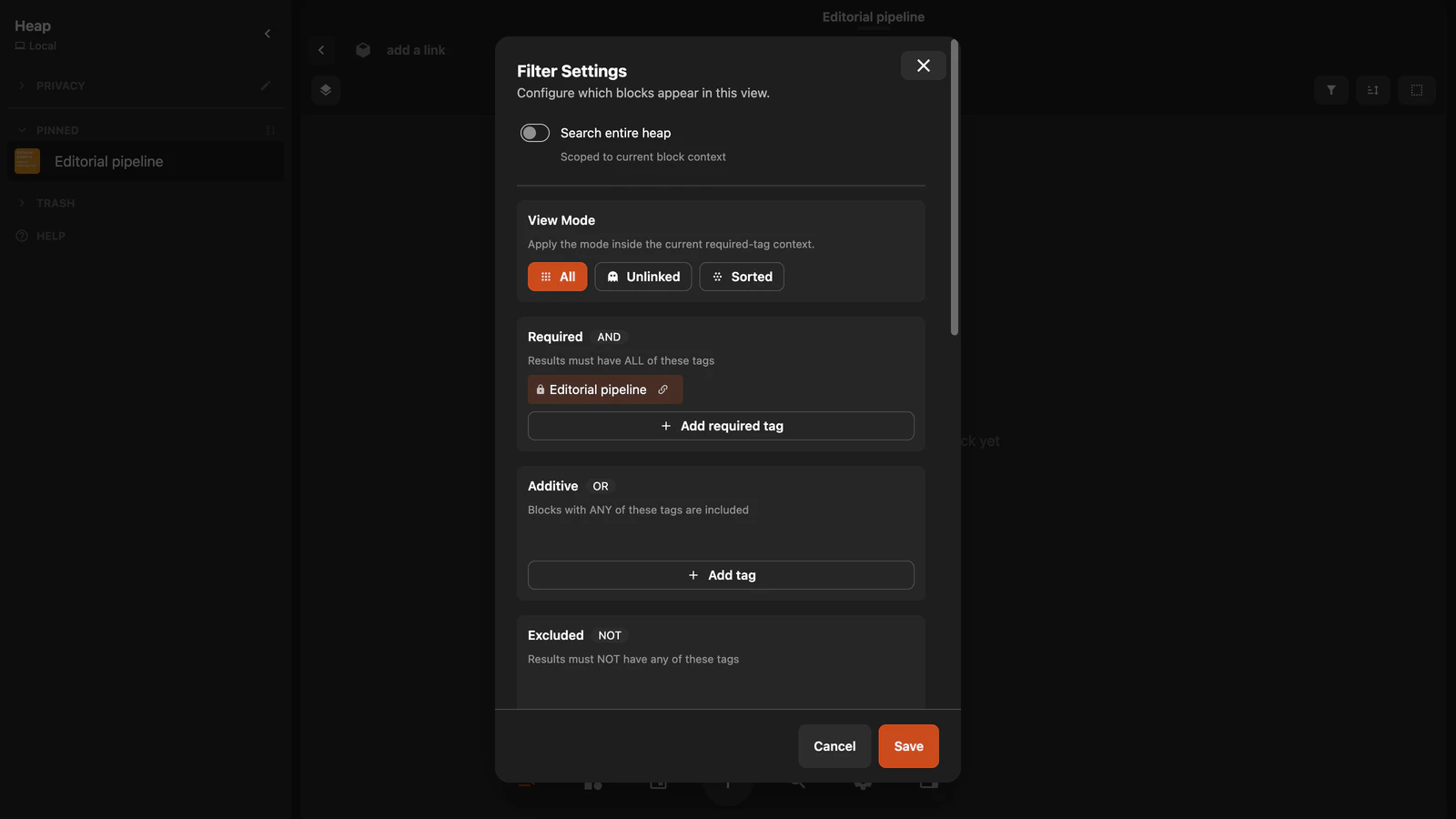
Block Filters
These are the general filters that apply to the current view. allowing to filter by tag/mention or file type.
By Properties
By Tags
Filter to show only blocks tagged with specific tags. here you can add filters that are required to all be on the block, or additive tags which can have any of the tags. or excluded tags which will be removed from the results.
Filtering by nested tags is still a work in progress and not enabled for general use yet.
By File Type
Filter by content type:
- Images
- Videos
- PDFs
- Audio
There are two ways to filter by properties.
To match blocks that have a property set:
- Add the property block under Required, Additive, or Excluded.
- Select its filter chip.
- Under Links, set the link type to Properties.
- Turn off Tags and Mentions if you only want property matches.
To filter by a stored value:
- Find the Properties section and select Add property filter.
- Choose the reusable property.
- Choose an operator and enter a value if needed.
Use Is not empty to show all blocks with a value for that property. Number, Date, Choice, and other types show matching operators and value editors. See Properties for the complete guide.
Global Filters
Global filters allow you to create toggleable sets of tags that should be hidden from all views and searches. this is ideal for privacy when you want to show your heap but have certain areas you cannot show. For example when streaming.
Heap Filters
Heap filters allow you to filter for blocks that have no connections (unlinked), blocks with browsable content (have backlinks, sorted), blocks that are pinned, or all blocks in the heap. The unlinked view has specific importance as it really helps sorting things away, as everything you tag just disappears from this view like you've put it somewhere else.