Sorting
Every view in Heaper supports sorting to control the order blocks are displayed.
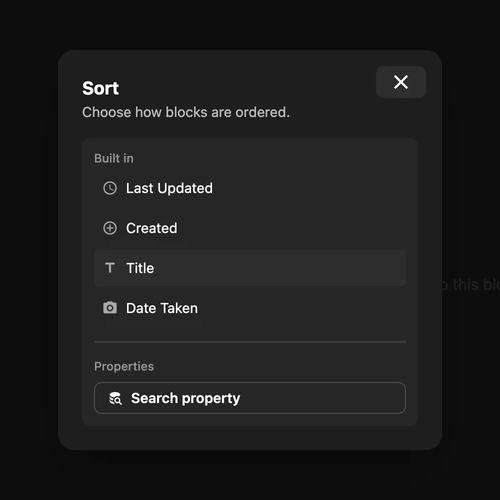
Sort Options
The Sort panel contains built-in fields for the current view and a Properties section for reusable properties.
Sort Direction
Each sort option can be ascending or descending. Toggle the direction by clicking the sort arrow.
Using Sort
- Open a view and select Sort in the toolbar.
- Select a built-in field, or select Search property under Properties.
- Choose the reusable property.
- Use its arrow to switch between ascending and descending order.
Blocks without a value for the selected property appear last.
Persistence
Sort preferences are maintained per view type. If you sort the grid view by date, switching to table view and back will preserve your grid sort setting.
See Properties for choosing property types and filtering views by them.